
The KISMO note: a working document, not a raw transcript
The note is your memory: what was said on that day, intact. It is structured, shaped by the kind of exchange, ready to be reread, reworked and shared. That structure, the typed decisions and actions, is what distillation works on.
A conversation type recognized automatically
KISMO identifies the nature of the conversation and adapts the layout. More than 11 types are supported, including: meeting, brainstorm, interview, phone call, complaint, consultation, shopping list, to-do list, memo, dictation and note. A customer complaint is not formatted like a brainstorm: each type gets the structure that fits it.
Two levels of analysis, decided by the content
A rich exchange that crosses several topics gets a full analysis. A short, single-topic exchange gets a standard one. The content decides, not the length of the recording.
What a note contains
Depending on what the exchange allows, the note brings together:
- a title and a summary;
- a structured body: topics, decisions, action items;
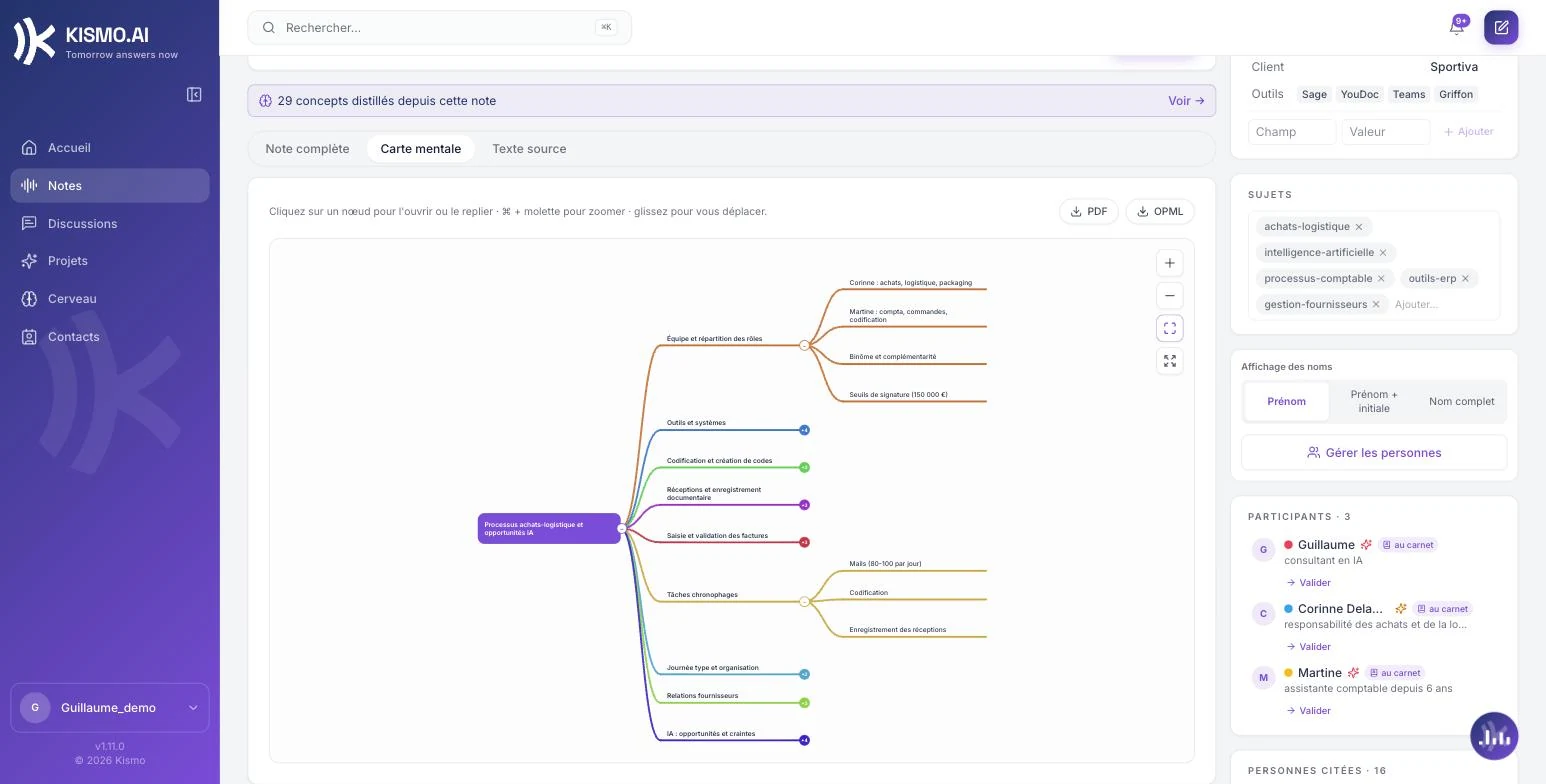
- a mind map;
- the full transcript;
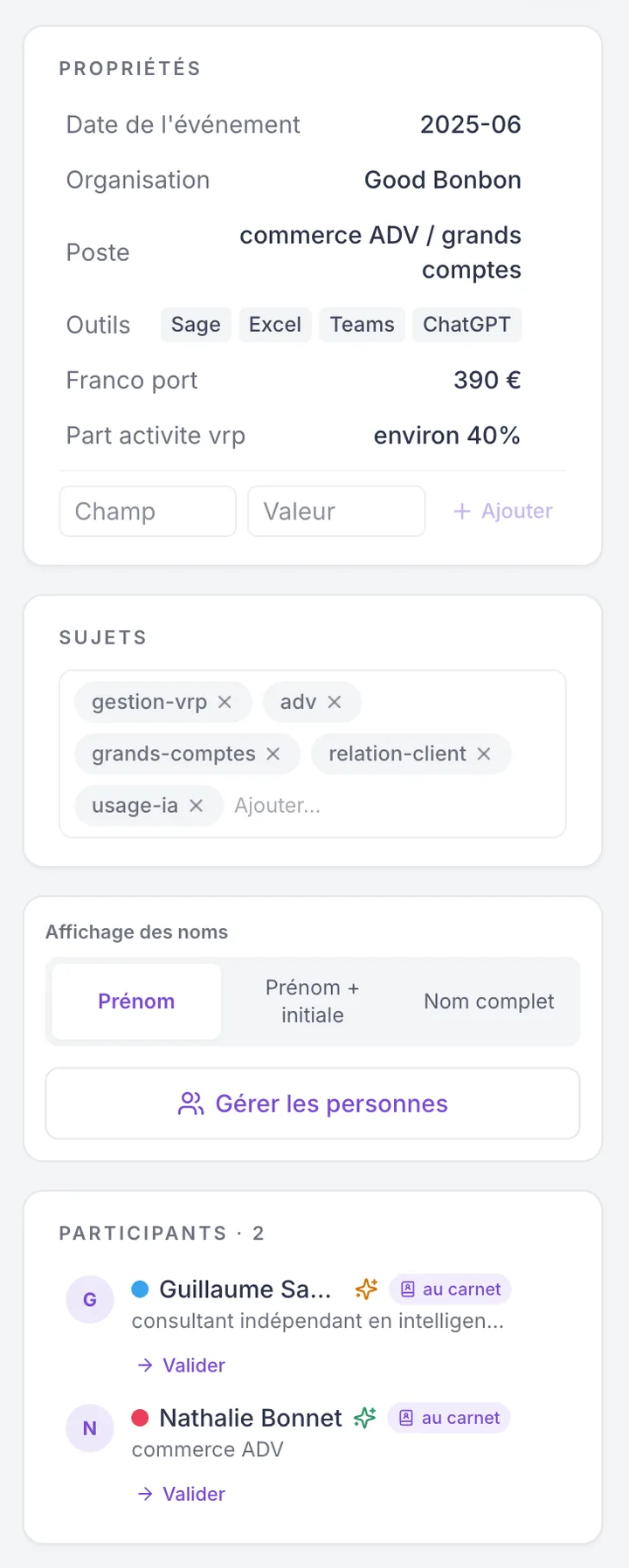
- the people identified, with their role and what they mentioned in the exchange.
Three views to move around: Note, Mind map, Transcript. The way people are displayed is adjustable (first name only, first name and initial, full name) and can be corrected; the phrasing follows each person's gender. A note marked confidential is excluded from sharing.

The email, as soon as the note is ready
No need to watch the app: an email tells you the moment the note is ready, and it can be resent on request. In your account, a built-in player lets you replay the audio or video, and the original file stays available for download. The full journey, from the call to your inbox, is described on the How it works page.

The editor: a living document
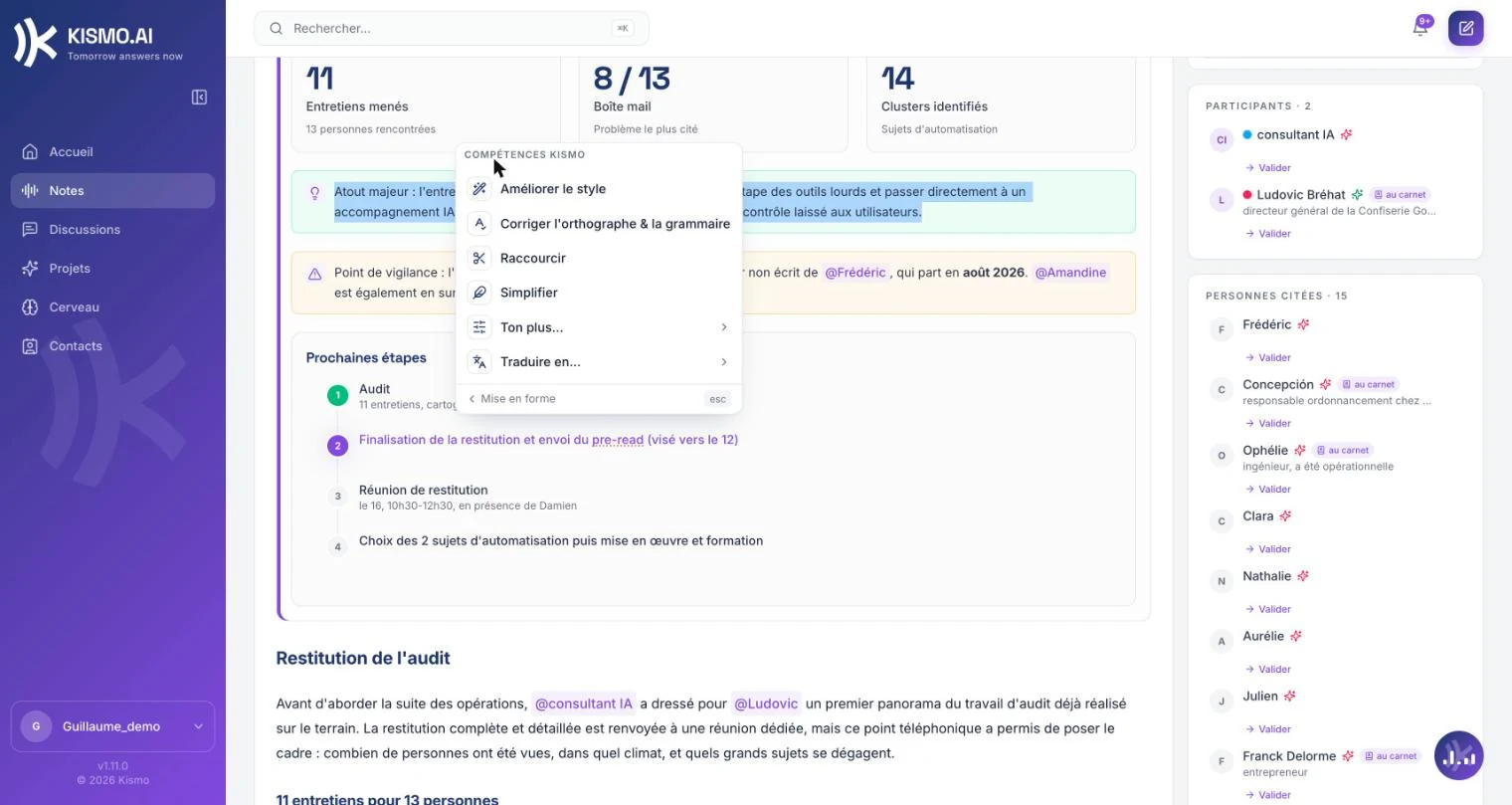
The note is not frozen. You edit in blocks: headings, lists, checkboxes, tables, columns, callouts, collapsible blocks. Work-oriented blocks structure the follow-up: task, decision, key indicator, timeline. On a selected passage, the AI improves the style, fixes spelling, shortens, simplifies, changes the tone or translates into 7 languages (Dutch, English, French, German, Italian, Portuguese, Spanish). "Ask KISMO" writes a passage right on the page. Version history lets you step back; saving is automatic.
Exports in your formats
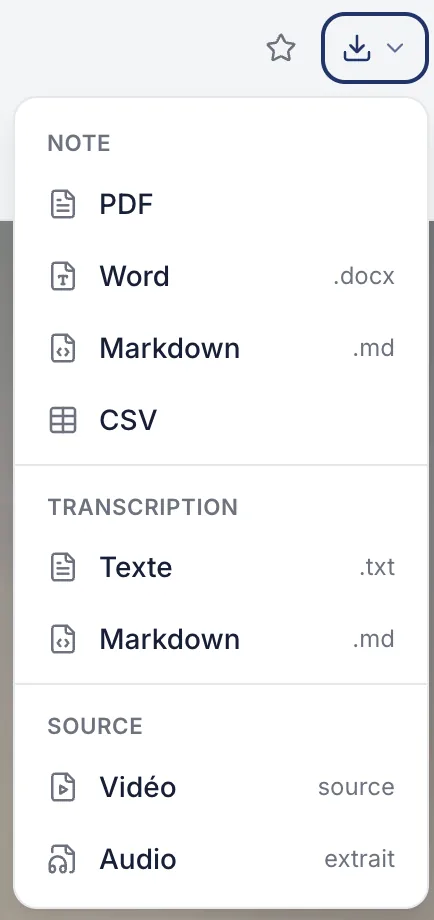
The note exports to PDF, Word, Markdown or CSV, the transcript to text or Markdown. The original audio, video or document can be downloaded at any time. For filing, search and sharing, head to the workspace.
The note is the raw material. The Brain is what is left of it.
A note keeps what was said. The Brain keeps what your company took away from it: what it knows, what it decided, what it has to do, what it is still wondering about. You validate what goes in.
Discover the Brain