
An organism, not a list of tools.
KISMO hears, reads and writes everything that happens in your company, turns it into memories (a note, in everyday words), then draws out what the company knows, decided and has to do. This page is the overview; each section links to the detail.
The memory
KISMO recognizes the nature of the exchange and chooses the form of the memory: a meeting, an interview, a complaint, a document or a dictation are not told the same way, with analysis that adapts to each memory, or that you set. Every memory delivers a structured document: title, summary, decisions, action items, mind map, full transcript, identified speakers. A full editor lets you rework it: blocks, AI on a selected passage, translation into 7 languages, version history.
The workspace
Folders, favorites, filters, multi-select: your memories stay organized. One search bar, available everywhere, searches by meaning as much as by exact words. The trash keeps deleted items for 30 days. Authorized numbers are managed in the client area.
The assistant
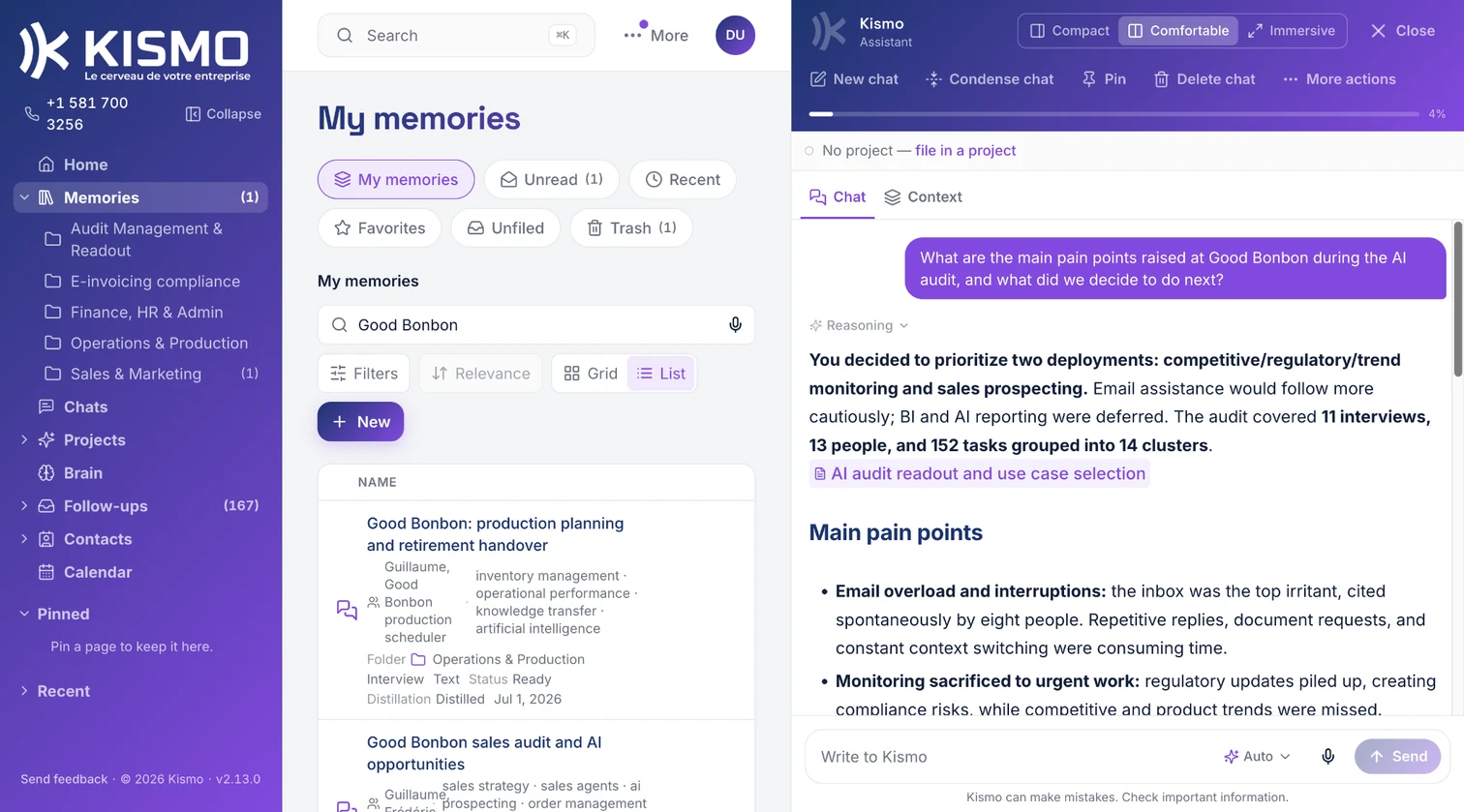
Ask a question: it answers from your memories and cites its sources. It searches the web as a complement, creates folders and files memories into them when you ask, and remembers your standing instructions. A useful chat becomes a memory in one click.
The contact book
One card per person, fed memory after memory.
The Brain
You review each memory and click Distill: KISMO pulls out concepts (what you know, decided, have to do, still wonder about) and maps that group them by topic. Nothing gets in without you, and everything can be corrected in the Brain. A graph shows the links, and backlinks tell you which memories lead to each concept.
The AI connector
Your memories and your Brain become available in the AI assistants you already use, through MCP (a universal connector between tools): Claude, ChatGPT, Gemini or VS Code, among others. Every access requires your explicit authorization and can be revoked at any time from your account.
Share and export
A share link gives access to a memory, read-only or read and export. You name it, set its expiration date and revoke it whenever you want; the recipient does not need an account. The memory exports to PDF, Word, Markdown or CSV, the transcript to text or Markdown, and the original media stays available for download.
The memory is the raw material. The Brain is what is left of it.
A memory keeps what was said, that day, intact. The Brain keeps what your company retained from it: what it knows, what it decided, what it has to do, what it is still wondering about. You review, you distill, nothing gets in without you.
Discover the Brain