
The workspace: every note in its place
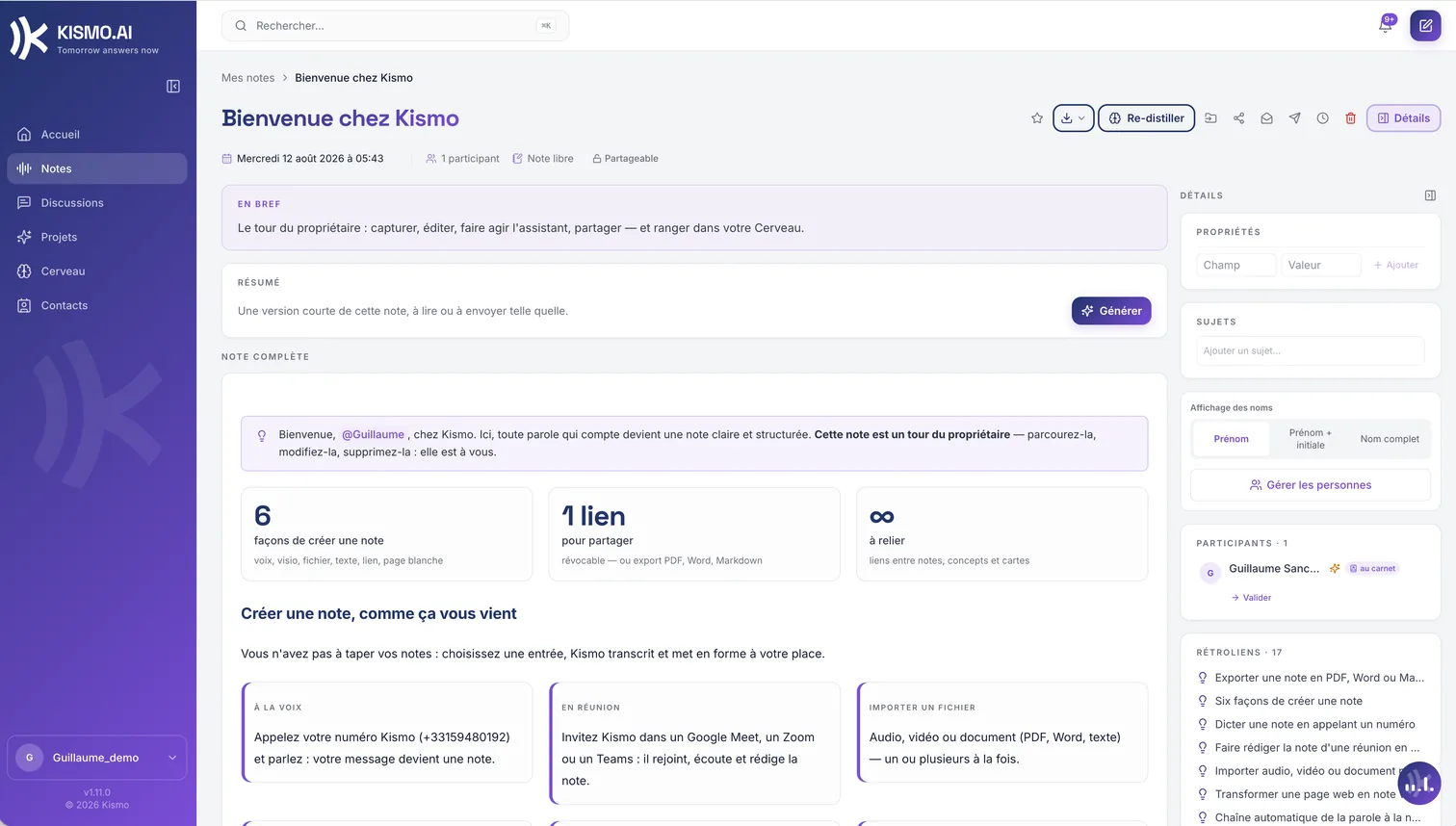
Taking notes is not enough; you have to find them again six months later. The KISMO workspace files them and finds them, for you and for your team.
Notes organized, not piled up
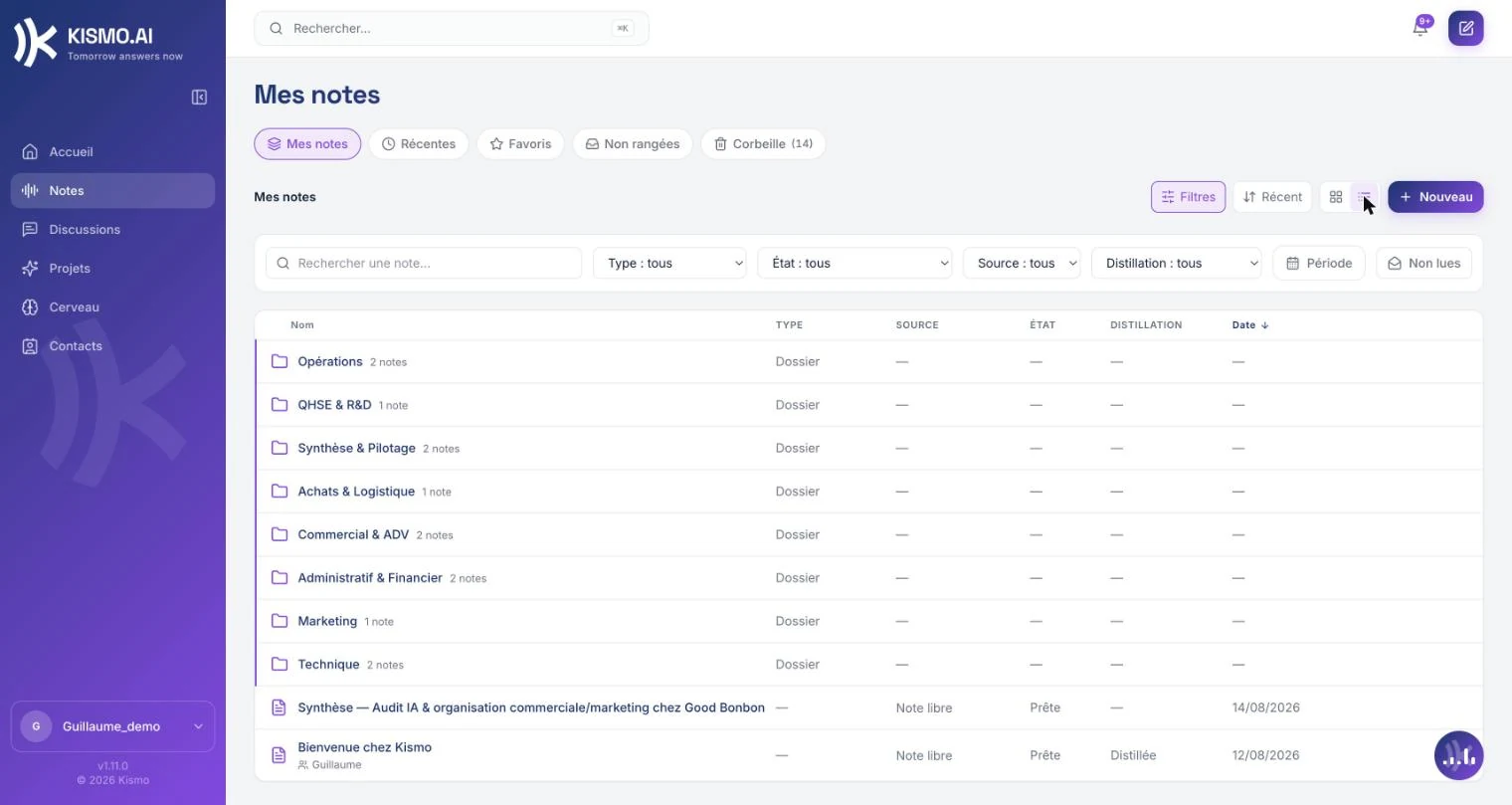
List or grid view, folders, favorites, read and unread markers. Filters combine note type, period and search. Multi-select acts on several notes at once: move, mark, delete, add to favorites.
Search by meaning
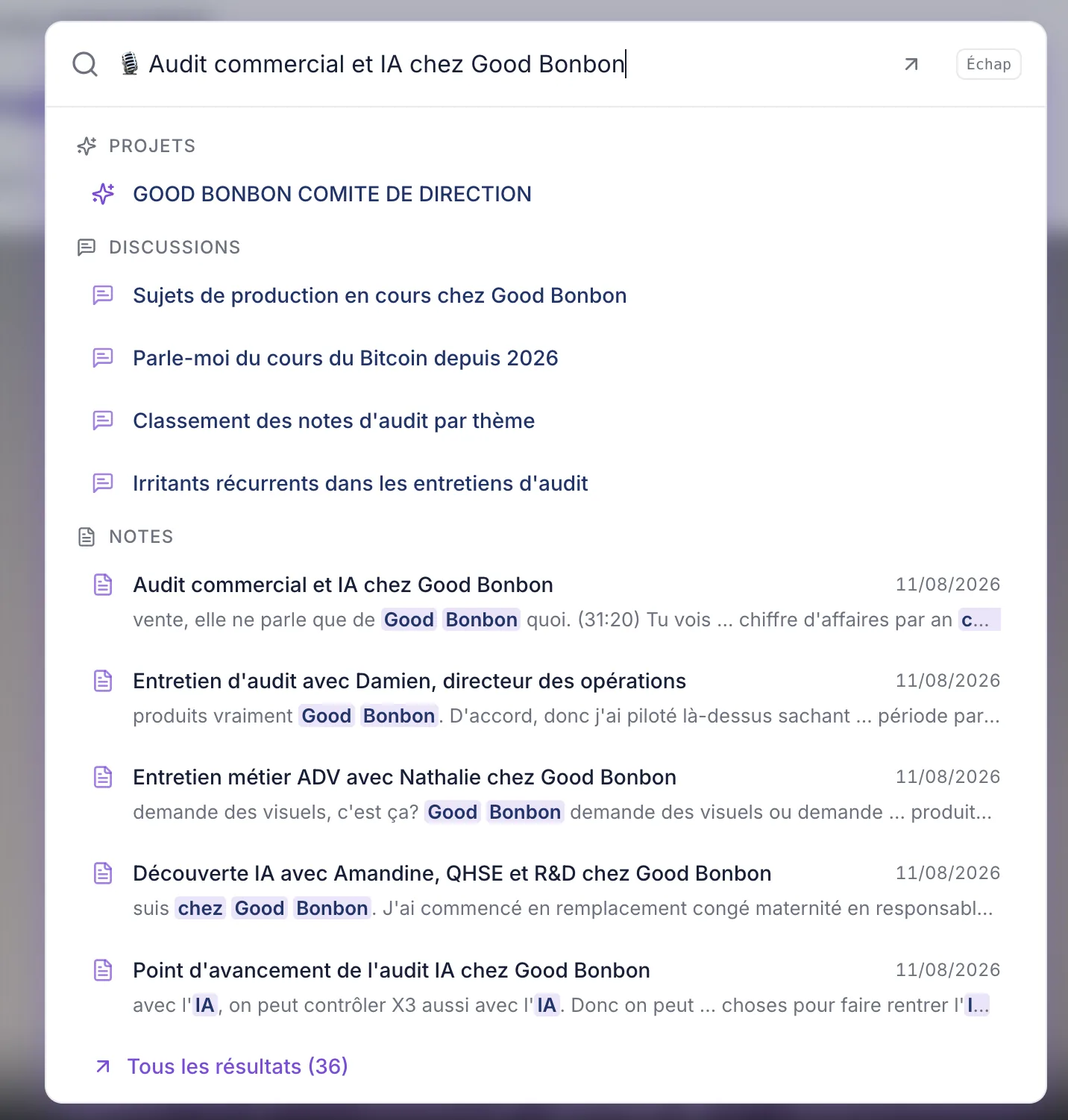
One search bar, reachable from anywhere, with a keyboard shortcut. It searches by meaning as much as by exact words, across notes, chats and the Brain, with filters and a direct jump to the result. You find a note from an idea, not just from an exact word.
A trash that gives you 30 days
A note deleted by mistake is not lost: it stays recoverable in the trash for 30 days before permanent deletion.
A home screen that tells you where you stand
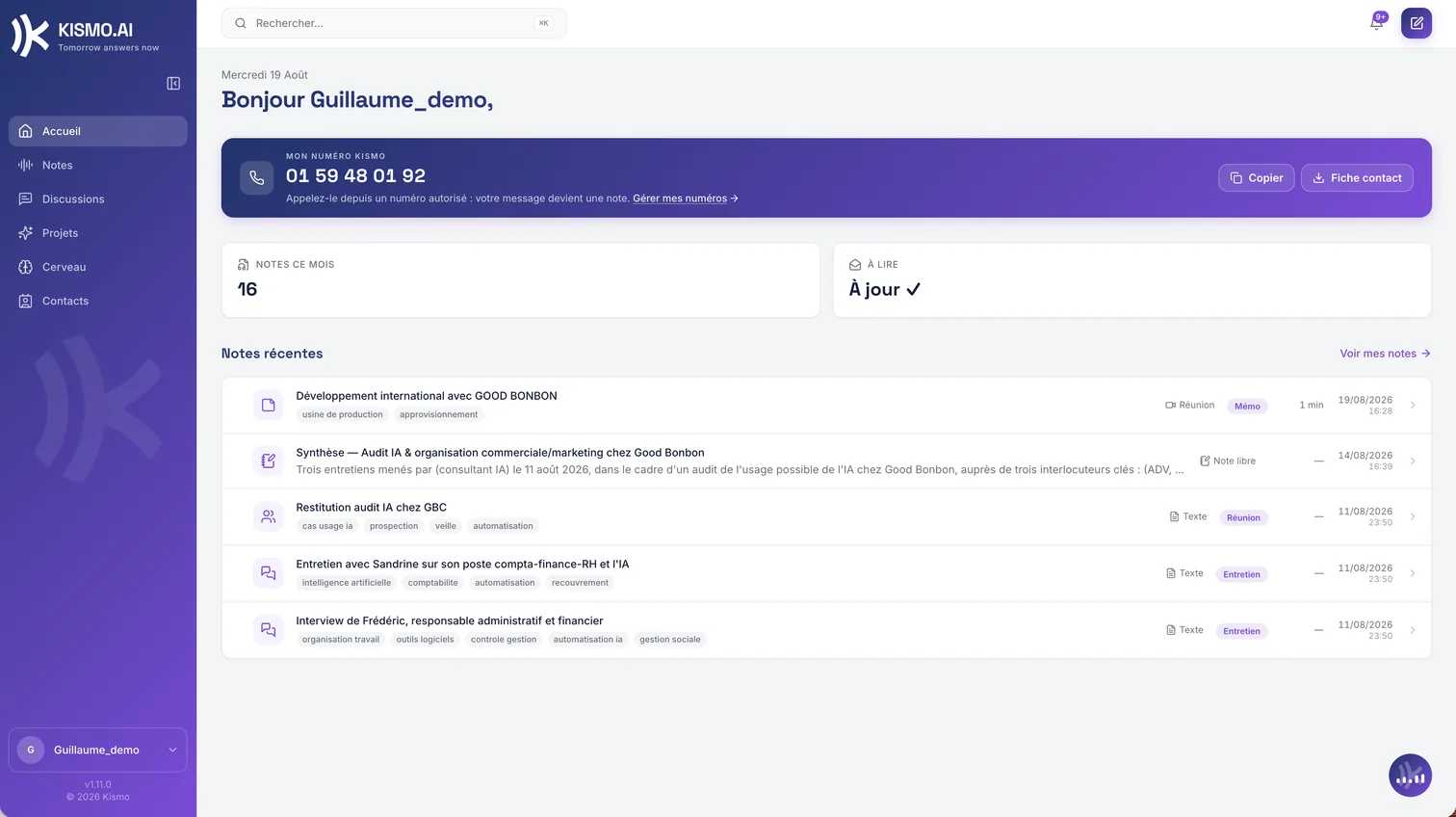
When you open KISMO: the month's numbers, recent notes, your KISMO number within reach and the state of your quota. One glance and you know where things are.
Notifications you can tune
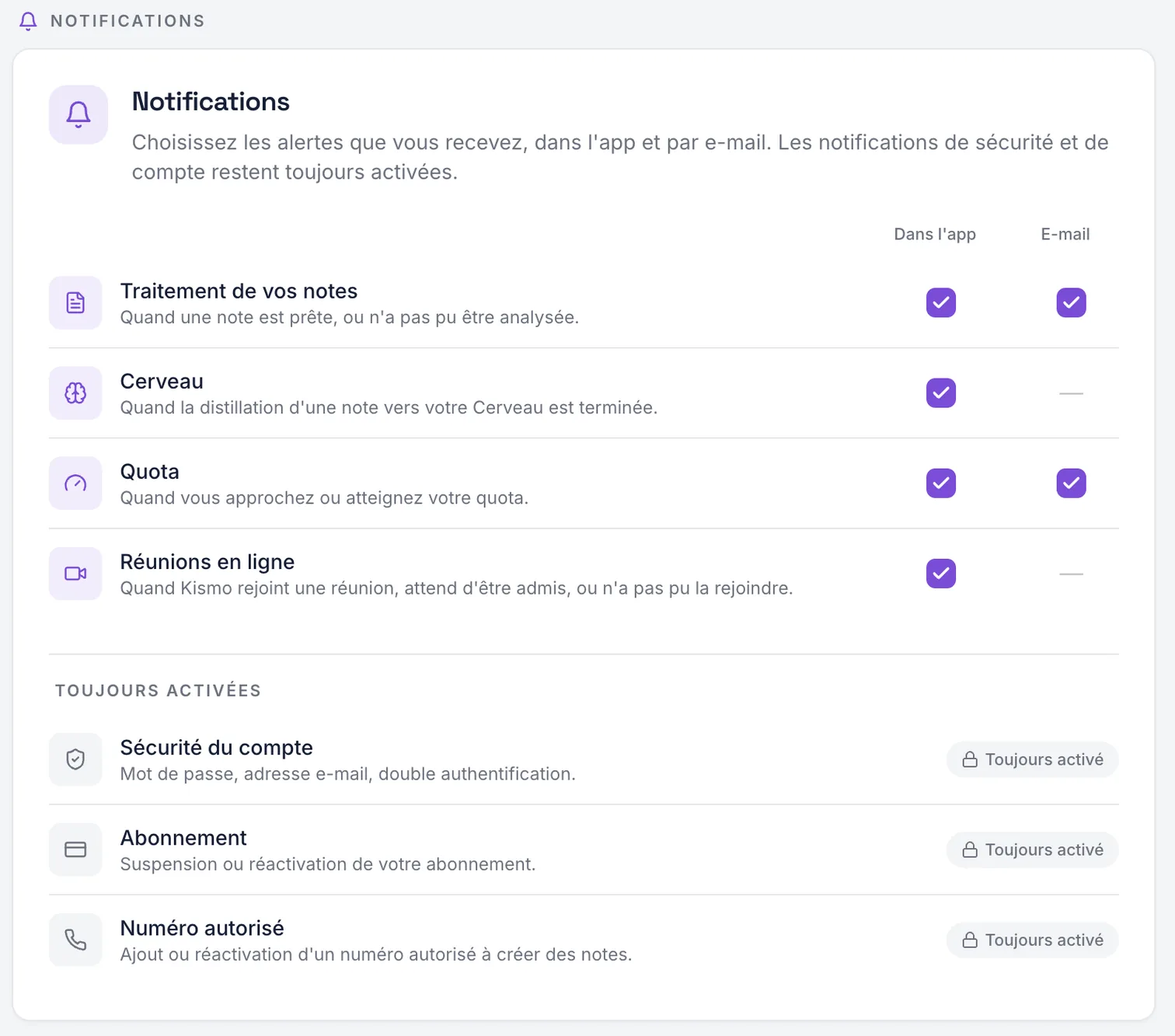
In the app and by email, category by category. Account security, subscription and authorized numbers always stay notified. Note processing, distillation, quota and meetings can be switched off as you prefer.
A space that never starts empty
When your account opens, a guide note and a starter Brain are already in place. You do not begin in front of a blank page.
Built for teams
Invite members by email: each person creates their own access and manages their own content. Four roles frame responsibilities: the owner (everything, including transferring the organization), the super administrator (team and billing), the administrator (members) and the member (their own content). The subscription area shows seats taken and seats available. Authorized numbers are managed at the organization level: add, label, enable, disable.
Every note in this space comes from the same simple journey, described on How it works. And to question everything it holds, the assistant answers from your notes.
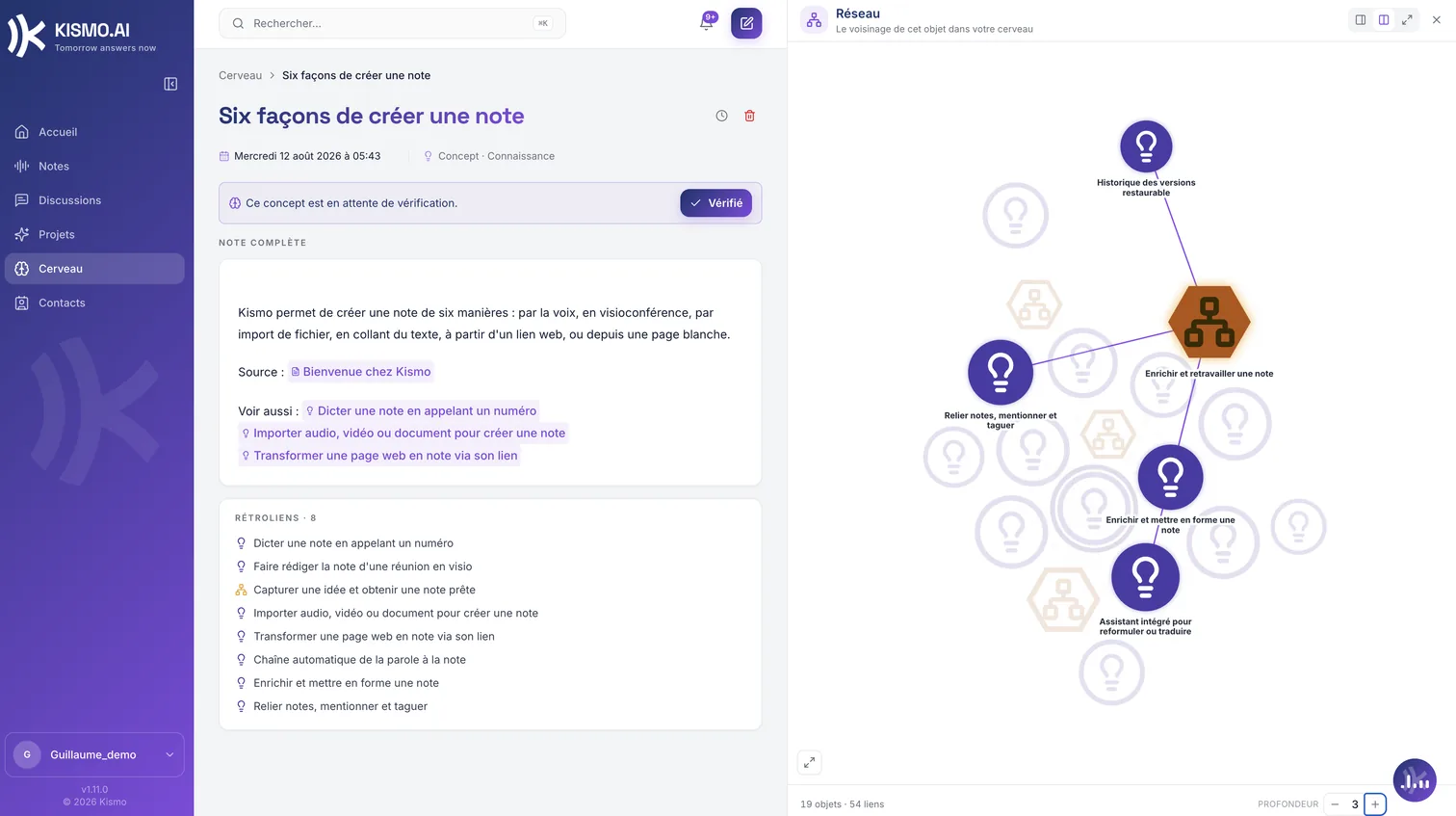
The note is the raw material. The Brain is what is left of it.
A note keeps what was said. The Brain keeps what your company took away from it: what it knows, what it decided, what it has to do, what it is still wondering about. You validate what goes in.
Discover the Brain