
Speak, bring, write.
KISMO captures everything said and written in your company, turns it into memories (a note, in everyday words), then distills what your company knows.
Speak
Call your company's KISMO phone number, invite KISMO to your video call or connect your calendar, record from your browser or your phone. In beta, when KISMO turns it on for your account: talk to KISMO on the phone, and it answers.
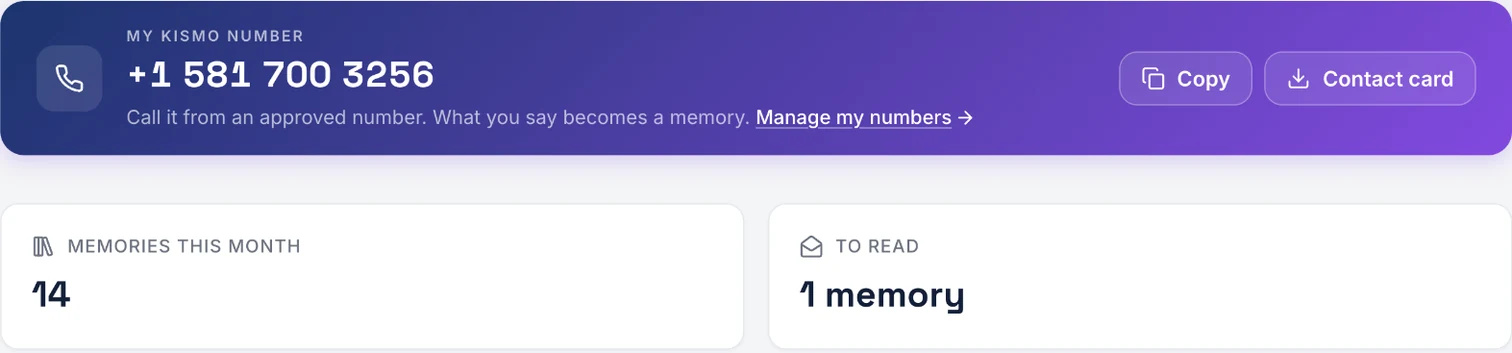

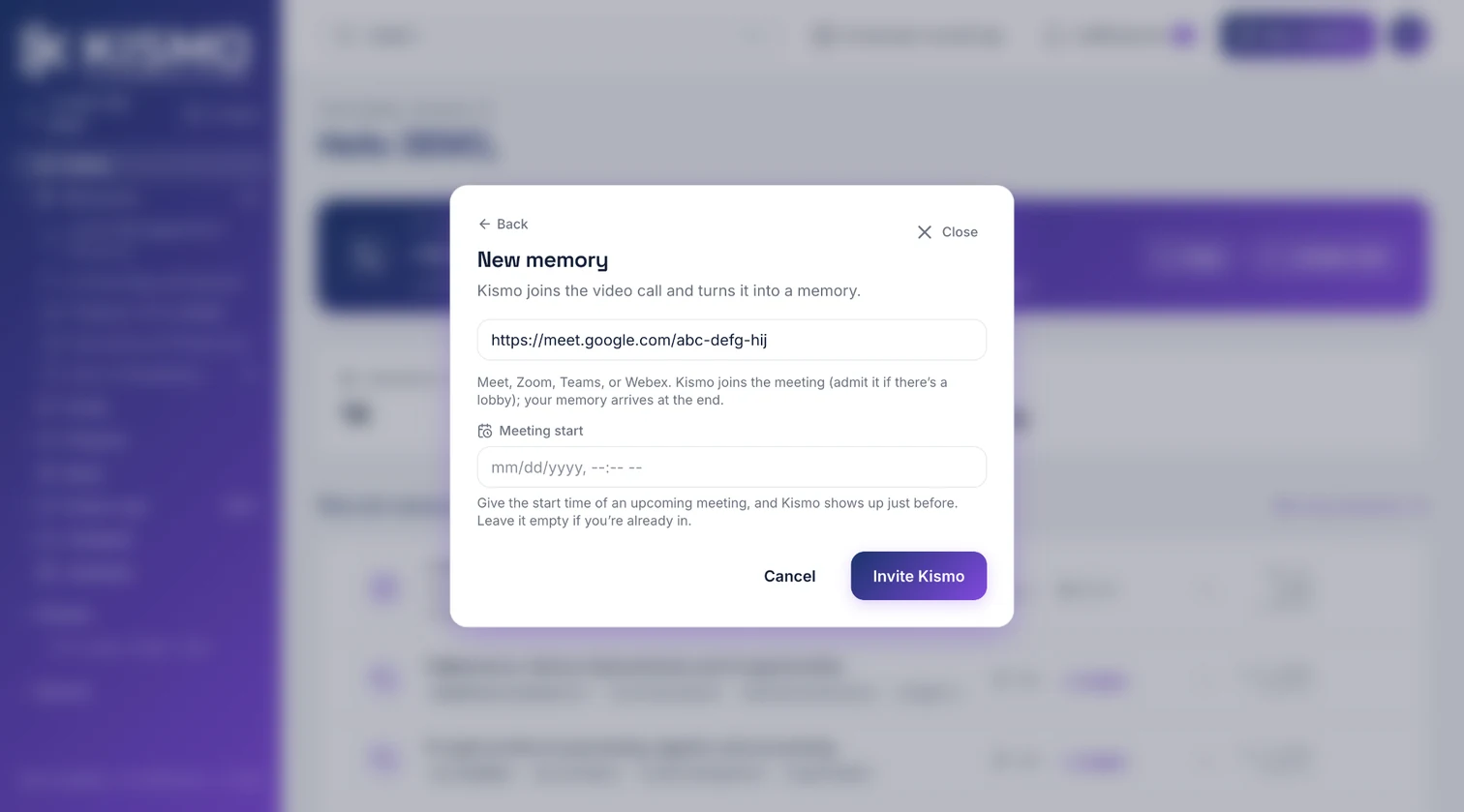
Image 1 / 3
Bring
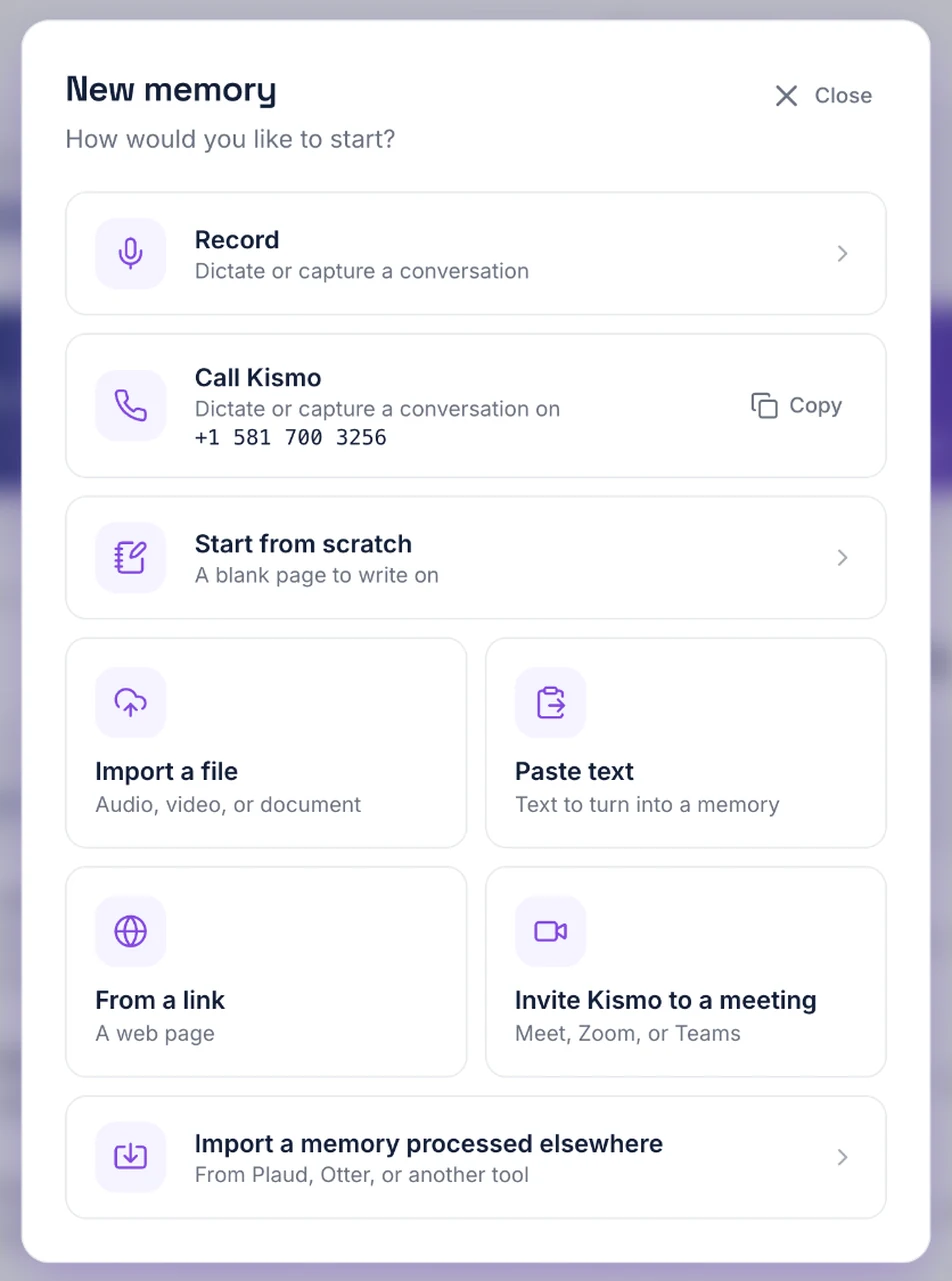
Import audio, video, a document, an image, a PDF even if scanned; paste text; hand over a web page; connect your emails, your chat tools and your document spaces; import your old recordings in one go.
Write
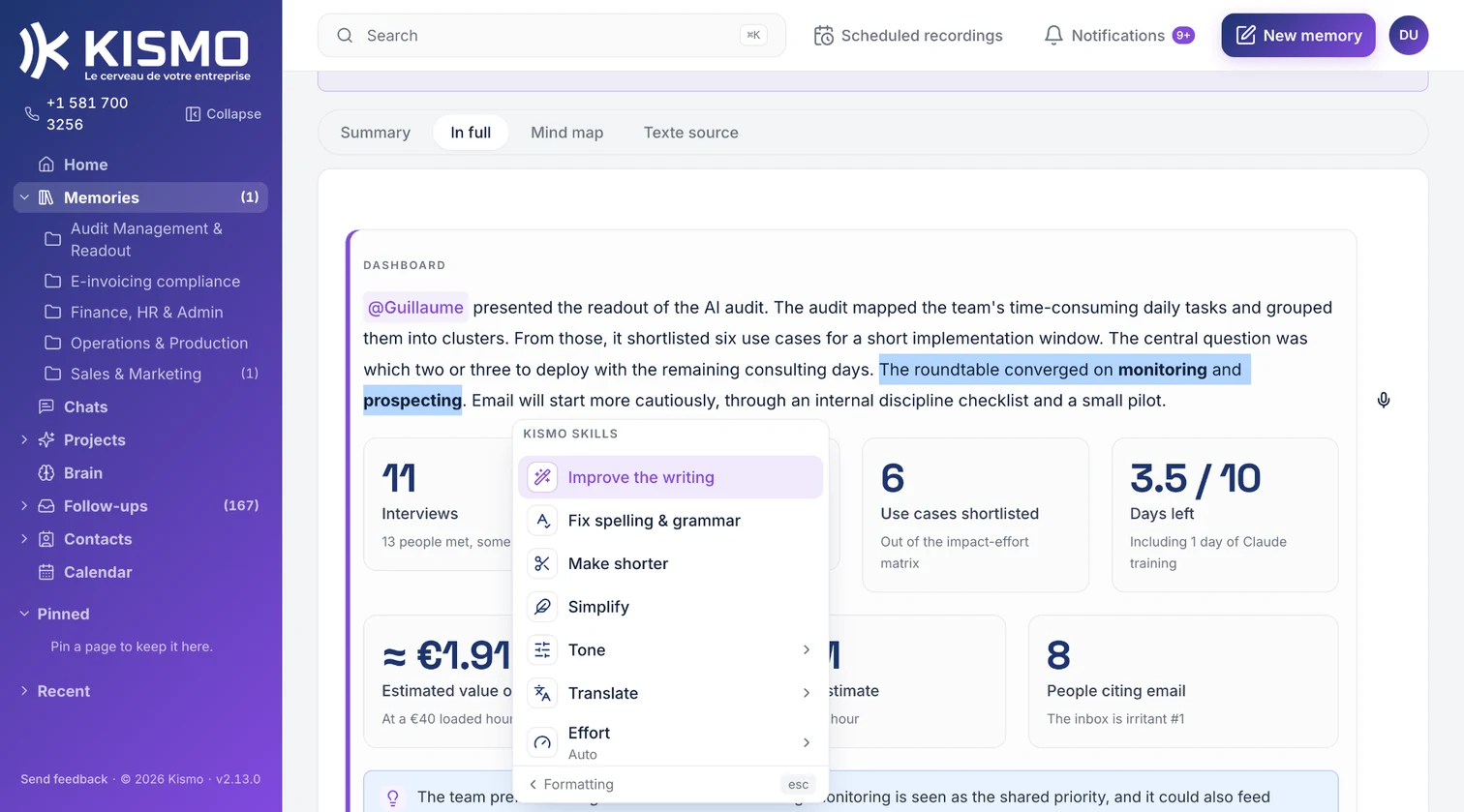
Start from a blank page with a full editor and an AI that writes where your cursor is.
Then KISMO remembers
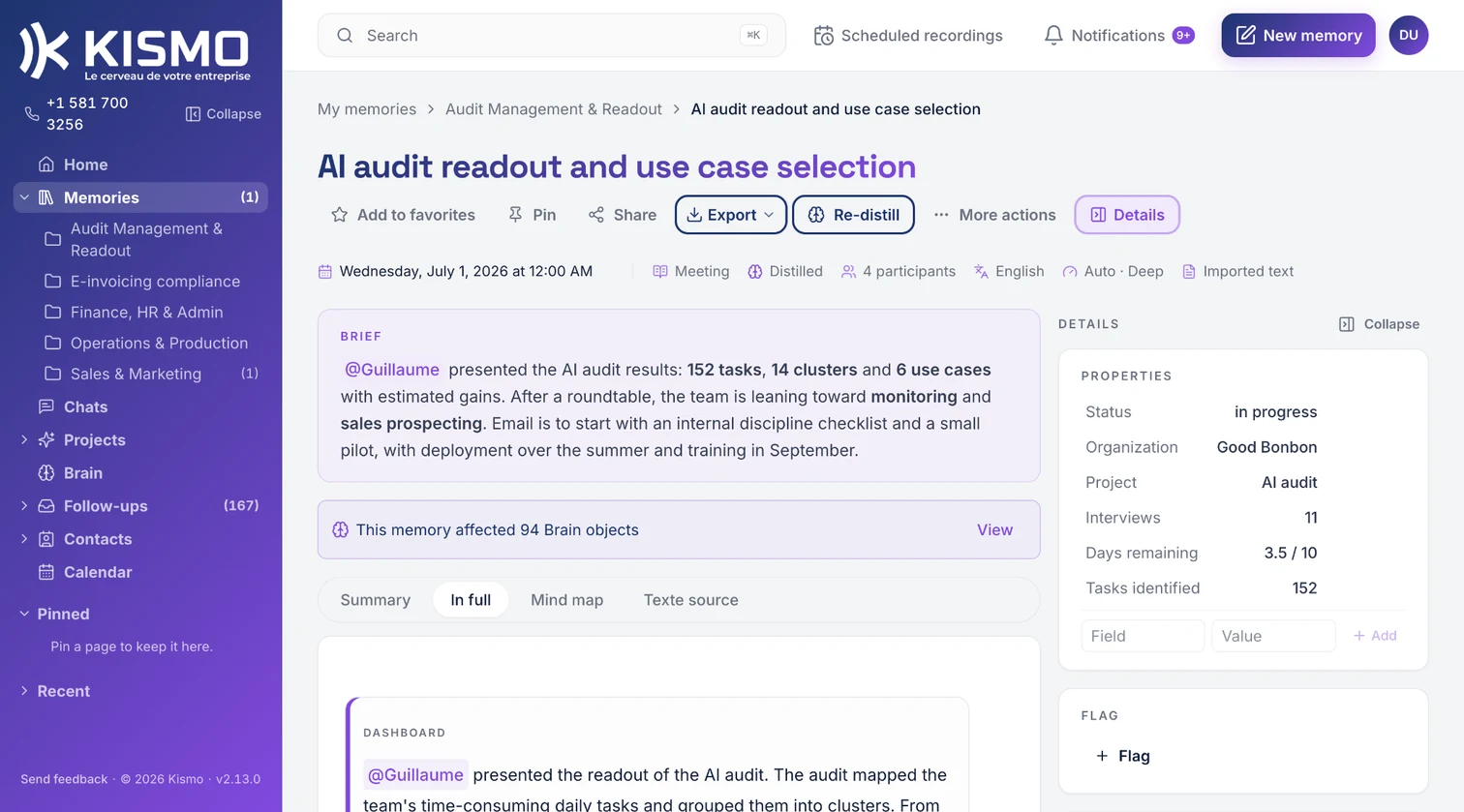
A clean transcript with separated voices, the people, a summary, the decisions and the actions, a mind map. The memory is yours: you correct it, you share it, you export it. KISMO chooses its form from the source: a meeting, a call, an email or a document are not told the same way.

Then you validate, and KISMO distills
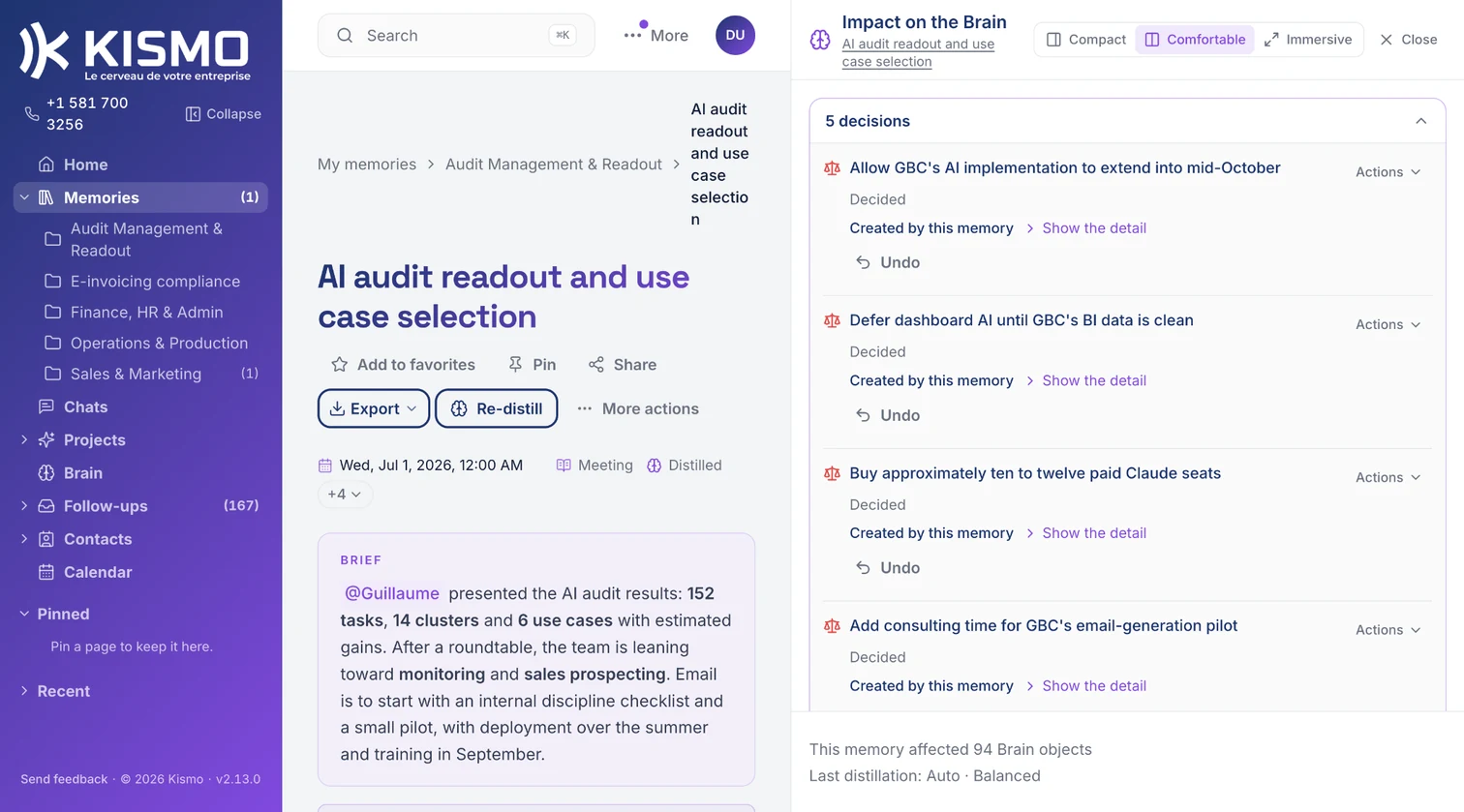
You review the memory and you click Distill. KISMO distills, that is, it summarizes into the Brain what your company knows, decided and has to do, and keeps it current. Nothing gets in unchecked, and everything can be corrected in the Brain.
Then KISMO answers
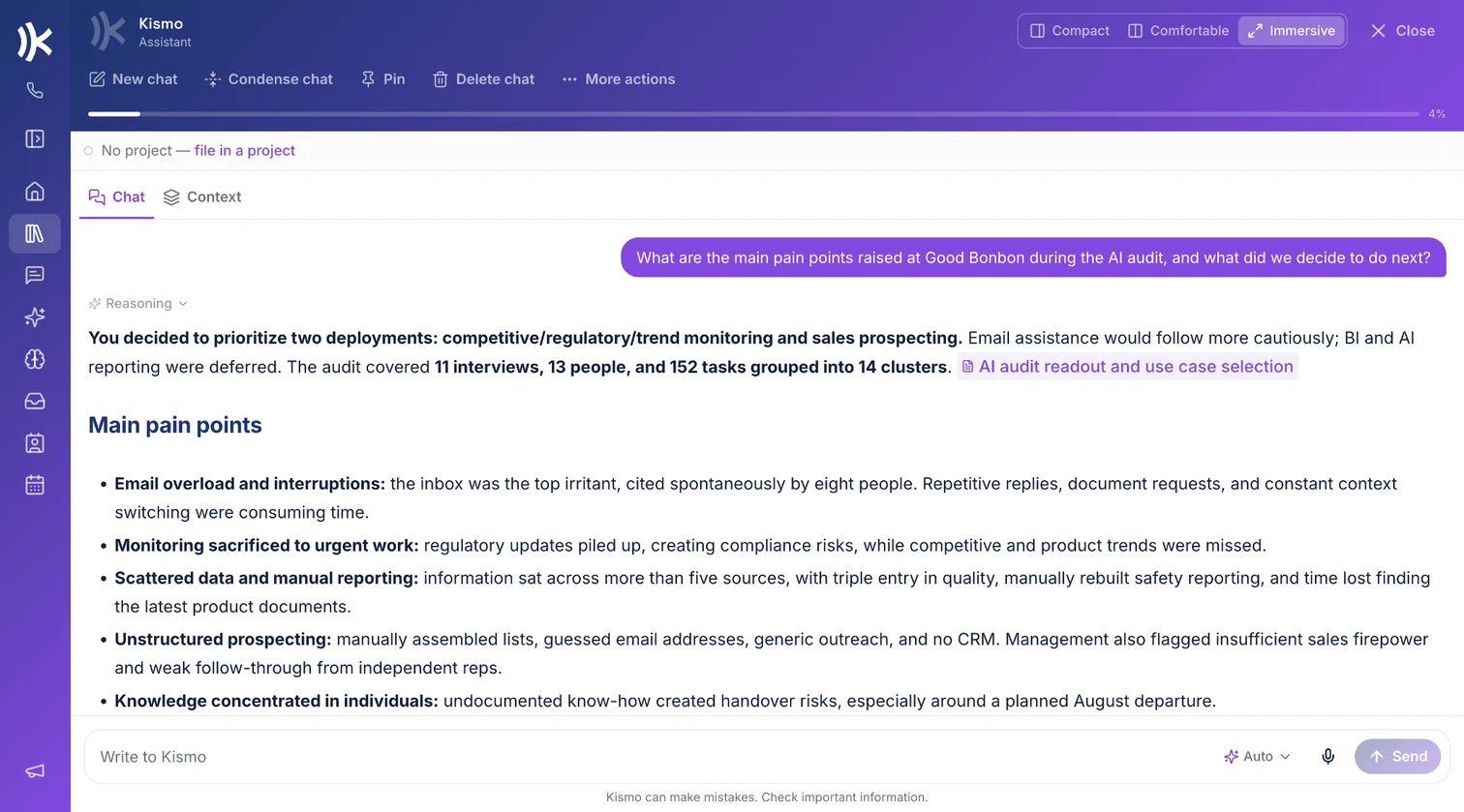
Inside KISMO, from your AI, out loud, citing its sources.
The details
- When the account opens, your welcome email arrives immediately: it contains your dedicated KISMO number and access to your account.
- You declare the authorized numbers: only those numbers can create memories on your KISMO number.
- Supported video meeting platforms: Google Meet, Zoom, Microsoft Teams and Webex.
- The recording layout can be set, grid or speaker view.
- Imports: audio and video up to 2 GB, PDF, Word, text and Markdown documents up to 50 MB.
- Exports: PDF, Word, Markdown, CSV.
Frequently asked questions
Do I need to buy a device?
No. A phone is enough, a computer is enough. If you already own a Plaud recorder, its recordings can be imported in one go.
How do I capture an in-person meeting?
Call your KISMO number from your smartphone and turn on the speaker.
Which languages are supported?
The language of each memory is detected, and KISMO writes in that language. The interface exists in French, Quebec French and English.